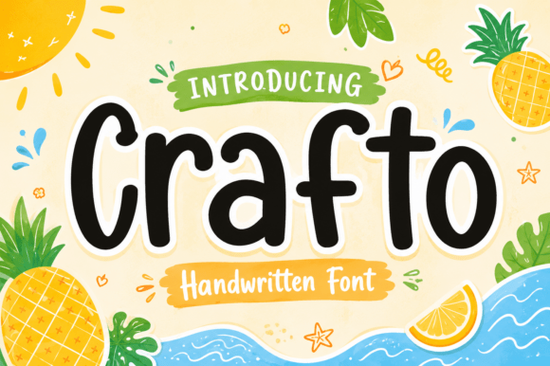
If you’ve been searching for a handwritten font that feels personal, playful, and just a little bit magical, Crafto Font might be exactly what your next project needs. It’s not overly ornate or hard to read instead, it leans into soft, rounded strokes that feel inviting, like something you’d find on a summer picnic invitation or a kids’ birthday card. Whether you’re designing merch, packaging, or social media graphics, Crafto adds warmth without overwhelming your layout.
What kinds of projects does Crafto Font work best for?
This font shines when used in contexts that call for personality and charm. Think:
- Kids’ books, toys, or educational printables
- Summer-themed branding ice cream shops, beach events, lemonade stands
- Handmade product labels or boutique packaging
- Social media posts that need to feel fun and approachable
- Wedding or party invites with a casual, joyful vibe
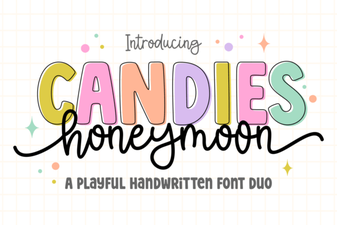
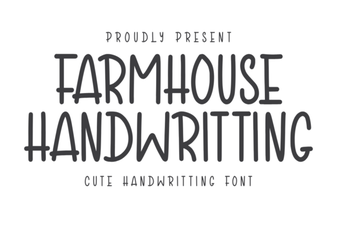
It pairs especially well with illustrations, watercolor textures, or pastel backgrounds. If you’re already using fonts like Candies Honeymoon or Farmhouse Handwriting for similar projects, Crafto fits right in but brings its own bouncy, cheerful energy.
Is Crafto Font easy to read at smaller sizes?
Yes and that’s one of its strengths. Many display fonts sacrifice readability for style, but Crafto keeps letterforms open and clear, even when scaled down. That makes it usable not just for headlines, but also for short captions, product tags, or button text in digital designs. You won’t have to worry about viewers squinting or misreading your message.
That said, it’s still a display font. For body text or long paragraphs, pair it with a clean sans-serif like Montserrat or Lato. Use Crafto for titles, accents, or callouts where you want to draw attention not for dense blocks of copy.
How does it compare to other playful script fonts?
If you’ve browsed Creative Fabrica’s script collection, you’ve probably seen fonts like Love Doodle which leans more into doodle-style whimsy or Crafto, which balances charm with structure. Crafto doesn’t go full “scribble”; it has consistent stroke weight and spacing, so it feels intentional, not chaotic.
Compared to ultra-thin or brush-style scripts, Crafto holds up better in print and at lower resolutions. It’s also less likely to clash with photos or complex backgrounds because of its solid, rounded forms. If you’ve struggled with fonts that look great in mockups but fall apart in real-world use, this one’s built to perform.
Can I use Crafto Font for commercial projects?
Absolutely. Like most Creative Fabrica fonts, Crafto comes with a commercial license, so you can use it on products you sell whether that’s t-shirts, mugs, stickers, or digital templates. No need to credit the designer or pay extra fees. Just download, install, and start creating.
One thing to note: if you’re embedding the font in an app, game, or software product, check the specific license terms. Most standard merch and print-on-demand uses are covered, but interactive or redistributable formats sometimes require an extended license.
Any tips for pairing Crafto with other fonts?
Here’s what works well:
- With clean sans-serifs: Try pairing with Poppins, Quicksand, or Nunito for contrast that doesn’t compete.
- With textured or hand-drawn elements: Crafto loves being next to doodles, stamps, or watercolor splashes. It enhances the handmade feel without looking messy.
- Color-wise: Soft pinks, sky blues, mint greens, and warm yellows all complement its friendly tone. Avoid neon or harsh contrasts unless you’re going for intentional chaos.
You can also layer it subtly use a lighter weight or reduced opacity for background text, then bold it up for headlines. The letterforms hold their shape well, so experimenting with size and color rarely backfires.
Want to see how others are using it? Check out Crafto Font on Creative Fabrica for real examples and customer projects.
Quick checklist before you start:
- Install both OTF and TTF versions test which works better in your software.
- Try it at different sizes early. Even though it’s readable small, you’ll want to confirm legibility for your specific use case.
- Save a few color + font pairings as presets you’ll reuse them across projects.
- If designing for POD, export mockups at 300 DPI and double-check kerning in final proofs.
Start simple: throw it on a greeting card or Instagram story template. See how it feels. Chances are, once you use it once, you’ll find yourself reaching for it again not because it’s flashy, but because it just fits.
Download Now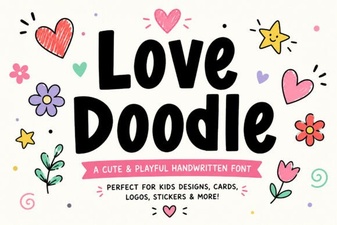 Creative Love Doodle Fonts for Your Diy Projects
 Candies Honeymoon Font: a Sweet Design Companion
 Farmhouse Handwriting Fonts for Rustic Design Projects
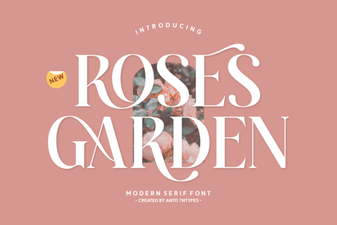 Beautiful Font Ideas for Your Rose Garden Projects
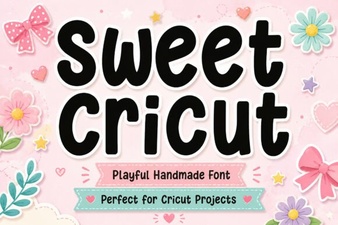 Creative Projects with Sweet Cricut Fonts
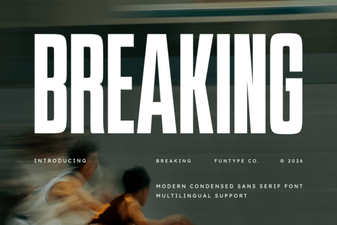 Break Typography Rules: Creative Font Design Projects